平板部署vscode server
Shus

平板部署vscode-server

需求

调试无人机的场地突然有了,距离实验室15分钟的路程,要爬大坡,游戏本带着到处跑太累了,需要让平板能够开发

实现

  • 打开termux
1
2
3
4
5
# 存储权限
termux-setup-storage
# 更新软件包
pkg update && pkg upgrade -y
pkg install proot-distro -y
  • 用proot-distro安装debian
1
2
proot-distro install debian
proot-distro login debian
  • 安装vscode server
1
2
3
curl -fsSL https://code-server.dev/install.sh | sh
# 运行服务
code-server --auth none --port 8080

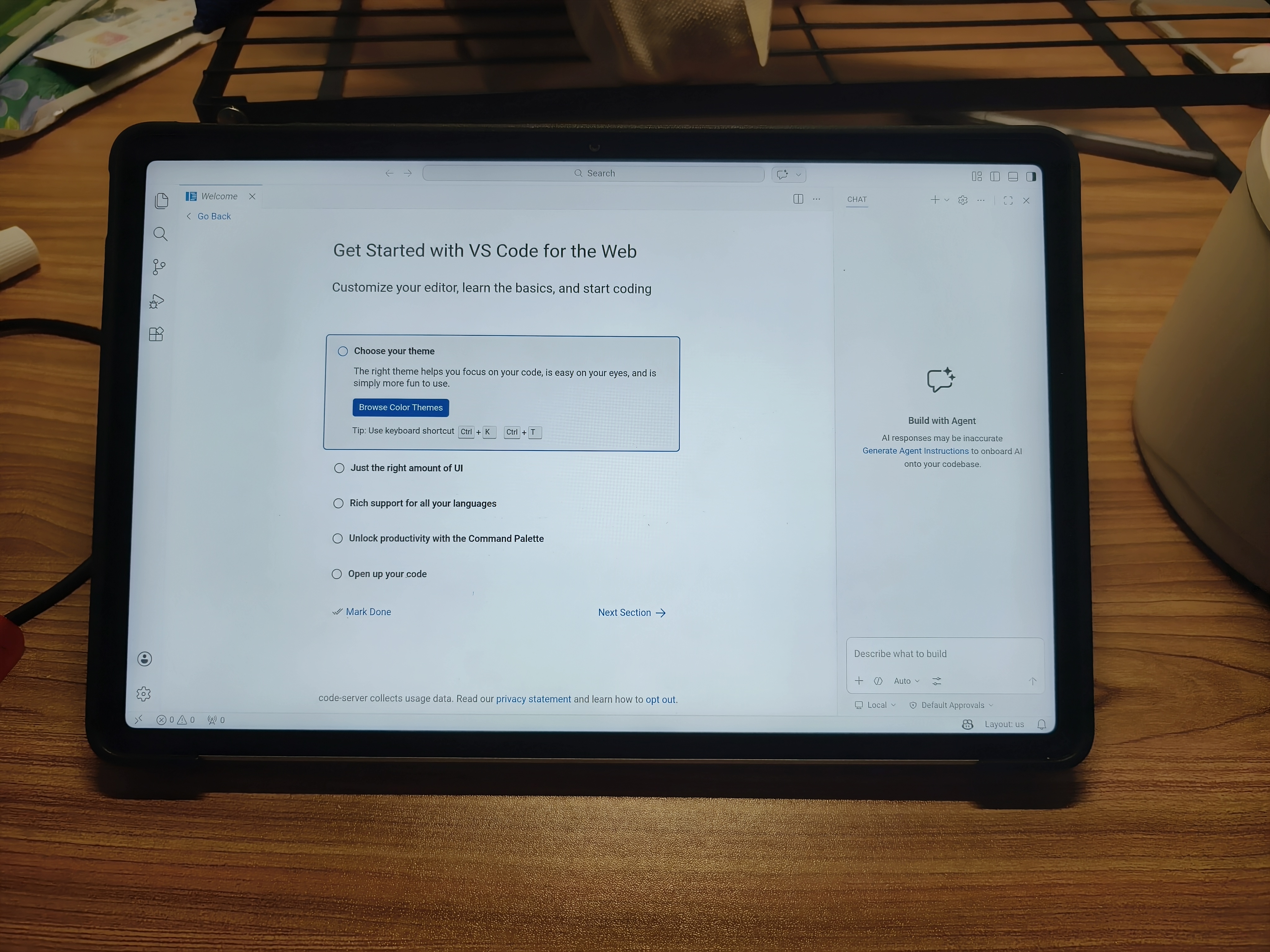
运行到此处测试一下访问localhost:8080能否打开vscode

  • 退出proot-distro写入~/.bashrc每次打开termux自动启用服务
1
2
3
4
5
6
7
8
9
10
11
12
# 检查是否已经在运行,避免重复启动
if [ -z "$PROOT_DISTRO_NAME" ]; then
echo "[Hachimi] 正在接入 Debian 容器..."
# 自动登录并执行容器内的初始化脚本
proot-distro login debian -- /bin/bash -c "
# 自动启动 code-server (后台运行)
if ! pgrep -x \"node\" > /dev/null; then
echo \"[Hachimi] 启动 code-server...\"
nohup code-server --auth none --port 8080 > /dev/null 2>&1 &
fi
exec /bin/bash"
fi

由Gemini-3.1-Thinking提供

优化

  • 平板开启虚拟内存(ZRAM)
  • 安装chrome,然后打开localhost:8080,在 设置->添加至主屏幕
image

 Comments
Comment plugin failed to load
Loading comment plugin